

The tap that replaces nagging
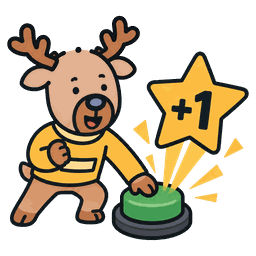
They do the chore. You tap once. Done.
They do the chore. You tap once.
Hit the week, they get paid on Sunday.
No more nagging.



Most chore charts last three days.
This one runs your whole week.
They do the chore. You tap once. Done.
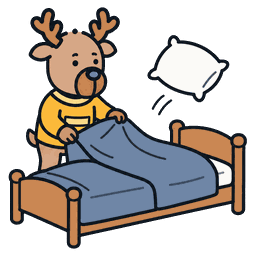
Make the bed 5 days → earn $2.
Miss it → no payout.
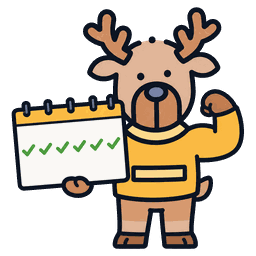
Every chore tracks a streak. Keep going — it grows. Miss one — it resets. No AI. Just a number that's surprisingly hard to break.
No accounts. No passwords. No tracking.
It all lives on your phone.
They can tap. That's it.
They can't change chores or payouts.
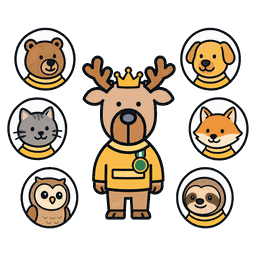
Big buttons. Fast feedback.
They'll ask for their turn.
Each kid can pick their own icon and colour.
Set them up in under a minute.
Name, colour, done.
They do the chore → you tap.
Streak builds automatically.

End the week. Total locks in.
You pay them.
No ads. No accounts. No nonsense.
Upgrade when you need more kids or unlimited chores per child.
One kid, every feature.

Everything in Free, plus:
Same as Pro Monthly — better value.
Free plan covers one kid and up to 6 chores — no ads, no trial countdown, no account. Bucko Pro unlocks unlimited kids and unlimited chores for A$1.99/month or A$17.99/year with a 7-day free trial. Cancel anytime.
Yes — iOS and Android ship at the same time. Same app, same features, same on-device-only data. Tablets too.
One on Free, unlimited on Pro. The layout adapts — one kid gets a huge central button, two stack side by side, three-plus go to a grid.
Your Bucko data is included in your phone's standard backup — iCloud Backup on iOS, Google Auto Backup on Android — so restoring your phone restores Bucko too. Pro adds its own iCloud backup of your app data (iOS) and Family Sync, which keeps a second parent's device in sync in real time — a live copy of everything.
Yes — Kids View turns the phone into two giant tap-targets. They can't change chores or payouts. One tap puts you back in control.
Best for kids roughly 4 to 13.
No. Points can be anything.
Money, screen time, treats.